Reolink Go PT Ultra is the best security camera for most remote properties that have cellular service but no dependable Wi-Fi or outlet. It combines 4G LTE, battery or solar power, local recording, pan and tilt, and useful object detection. Its main limitation is motion-first recording: if you need a continuous timeline, the larger TrackMix LTE Plus 2 is the more appropriate—though much more demanding—system.
Choose eufy 4G LTE Cam S330 when the property has Wi-Fi near the building but also needs cellular failover. Choose an AOSU SolarCam D1 Classic kit only when the property already has internet and power for its base. The camera with the highest resolution is not automatically the best remote camera; the connection that still works at the mounting point is the first decision.
Our remote-property verdict
Go PT Ultra is the practical default, not a universal winner. It covers the common one-camera gate, cabin, barn, or equipment-yard job without needing local internet. eufy S330 is better when automatic Wi-Fi-to-cellular switching matters. TrackMix LTE Plus 2 is the specialist choice when missing the minutes before and after an event is a greater risk than paying for a larger system. AOSU is a separate Wi-Fi answer, not an off-grid substitute.
Compare the four setups
| Camera | Connection | Power and recording | Best for | Main limitation |
|---|---|---|---|---|
| Reolink Go PT Ultra | 4G LTE | 21.6 Wh battery; optional solar; motion clips | Best overall for one remote location | Not designed for 24/7 recording |
| eufy 4G LTE Cam S330 | Wi-Fi with automatic 4G fallback | 9,400 mAh battery and solar panel; event recording | Property with Wi-Fi near the building but unreliable coverage | Cellular use still needs a data plan |
| Reolink TrackMix LTE Plus 2 | 4G LTE | Large battery pack and 30 W panel; event, pre-record, or low-frame-rate continuous modes | Job sites, parking areas, and high-consequence gaps | Large, expensive, and continuous mode uses more power, data, and storage |
| AOSU SolarCam D1 Classic Kit | Wi-Fi through aosuBase | Solar battery cameras; event recording to local base | Multi-camera property that already has internet and base-station power | Not a cellular or no-infrastructure solution |
No Wi-Fi or outlet
Test LTE first, then choose Go PT Ultra for motion coverage or TrackMix LTE Plus 2 when the recording gap matters enough to justify the heavier system.
Wi-Fi exists but may fail
eufy S330 can switch between Wi-Fi and 4G, which is more useful than buying a Wi-Fi-only camera and discovering that alerts stop at the edge of the property.
Stable internet at the house
An AOSU kit can cover several approaches while storing events on one local base, but the base must remain powered and online for remote access.
No cellular or internet signal
Use local recording for later retrieval or add connectivity first. No app camera can deliver remote alerts through a network that does not exist.
The best security cameras for remote property
Reolink Go PT Ultra
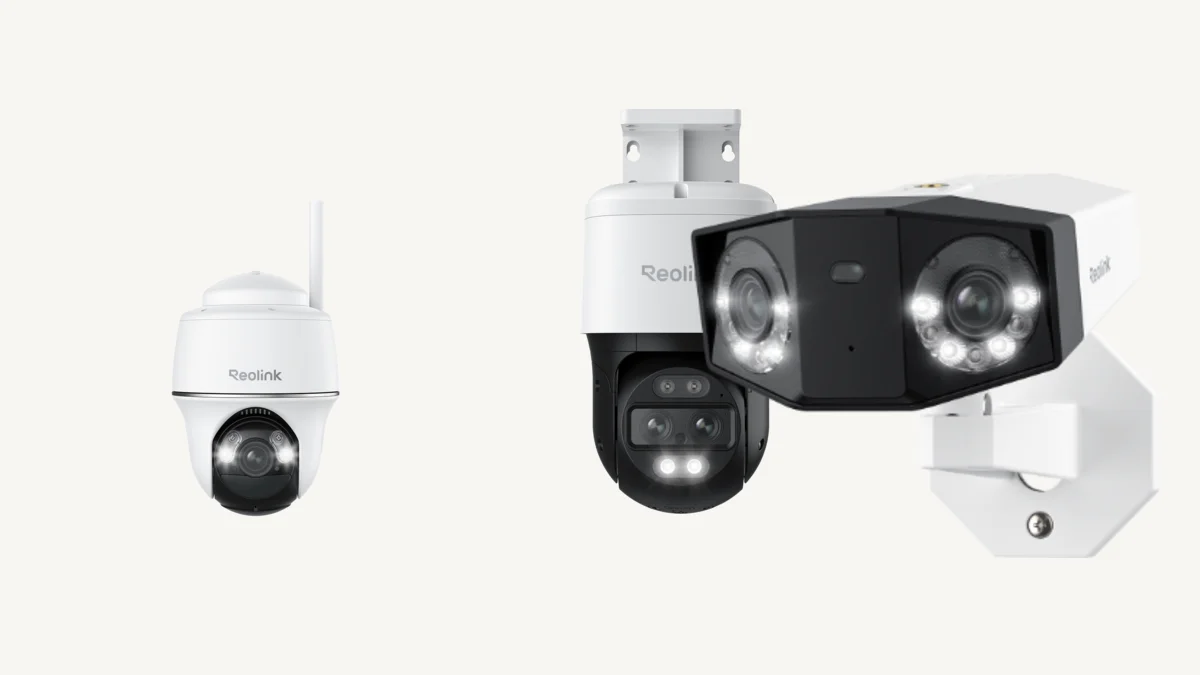
Go PT Ultra is the best-balanced single-camera choice because it combines 4G LTE, 4K recording at up to 15 fps, 355-degree pan and 140-degree tilt, person, vehicle, and animal detection, and local microSD storage up to 128 GB. Reolink lists a 21.6 Wh rechargeable battery and compatibility with Solar Panel 2.
The tradeoff is important: this is a battery camera built around triggered recording, not a substitute for a wired recorder. Buy it for a gate, cabin, stable, equipment area, or outbuilding where you need remote checks and motion evidence without installing broadband.
Choose it if: one off-grid location needs the simplest credible cellular setup. Skip it if: you need an uninterrupted timeline or several cameras uploading heavily through separate data plans.
eufy 4G LTE Cam S330
eufy S330 solves a different problem: Wi-Fi is available around the main building, but outages or weak edges make a Wi-Fi-only camera unreliable. eufy says the camera switches automatically between Wi-Fi and 4G and includes a multi-network SIM designed to select among AT&T, T-Mobile, and Verizon in the US.
The camera adds 4K video, 360-degree pan-and-tilt tracking, a 9,400 mAh battery, solar charging, and expandable local storage. The strongest reason to choose it is not resolution; it is the ability to use Wi-Fi normally and cellular when needed. Actual carrier choice, coverage, and data cost still need to be checked at the property.
Choose it if: the property has usable Wi-Fi but cannot tolerate losing remote access during an outage. Skip it if: you want a wired NVR, NAS storage, or guaranteed carrier performance without testing the site.
Reolink TrackMix LTE Plus 2
TrackMix LTE Plus 2 is the pick when a motion-only camera leaves too much uncertainty. Reolink lists dual wide and telephoto views, pan-and-tilt tracking, 10-second pre-recording, person, vehicle, and animal detection, and microSD storage up to 512 GB. Its defining feature is a continuous mode that records at 3 fps by default and switches to 15 fps when motion is detected.
Reolink estimates up to 21 days of continuous recording on one full charge under its test conditions and pairs the camera with a large battery pack and 30 W solar panel. That does not guarantee indefinite 24/7 footage at every site. Shade, winter sun, cold, cellular strength, motion frequency, live viewing, and upload behavior all change the energy budget.
Choose it if: context before and after an incident justifies the larger system. Skip it if: a few motion clips are enough or the panel cannot receive dependable direct sun.
AOSU SolarCam D1 Classic Kit
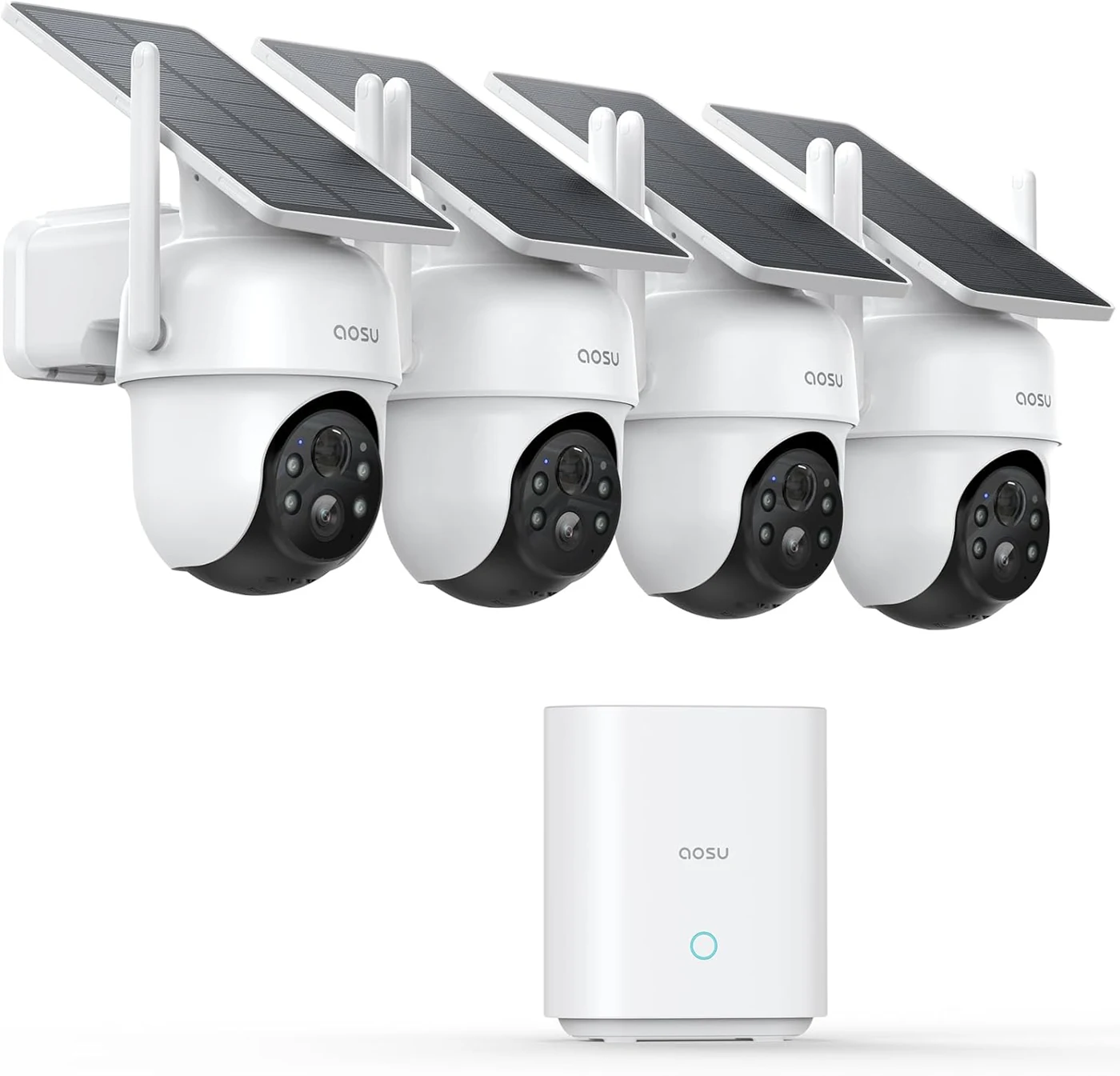
AOSU belongs in this guide only with a clear boundary: its current solar kits are Wi-Fi systems, not cellular cameras. The linked D1 Classic 4-Cam Kit uses a powered aosuBase connected to the router by Ethernet; the cameras connect wirelessly to the base. It fits a cabin, vacation home, or farm building with existing internet and several outdoor positions to monitor, not an infrastructure-free gate.
AOSU says the cameras can continue detecting motion and saving events to the local base during an internet outage as long as the cameras and base remain powered and connected to each other. Remote live view, playback, controls, and alerts return only after the base reconnects.
Choose it if: the property already has reliable internet and base-station power. Skip it if: there is no usable camera-to-base connection, no base-station power, or no plan to add internet for remote access.
Read our aosu D1 Classic 4-Cam Kit review for recording, night-vision, solar and storage tradeoffs.
Test the network before choosing a camera
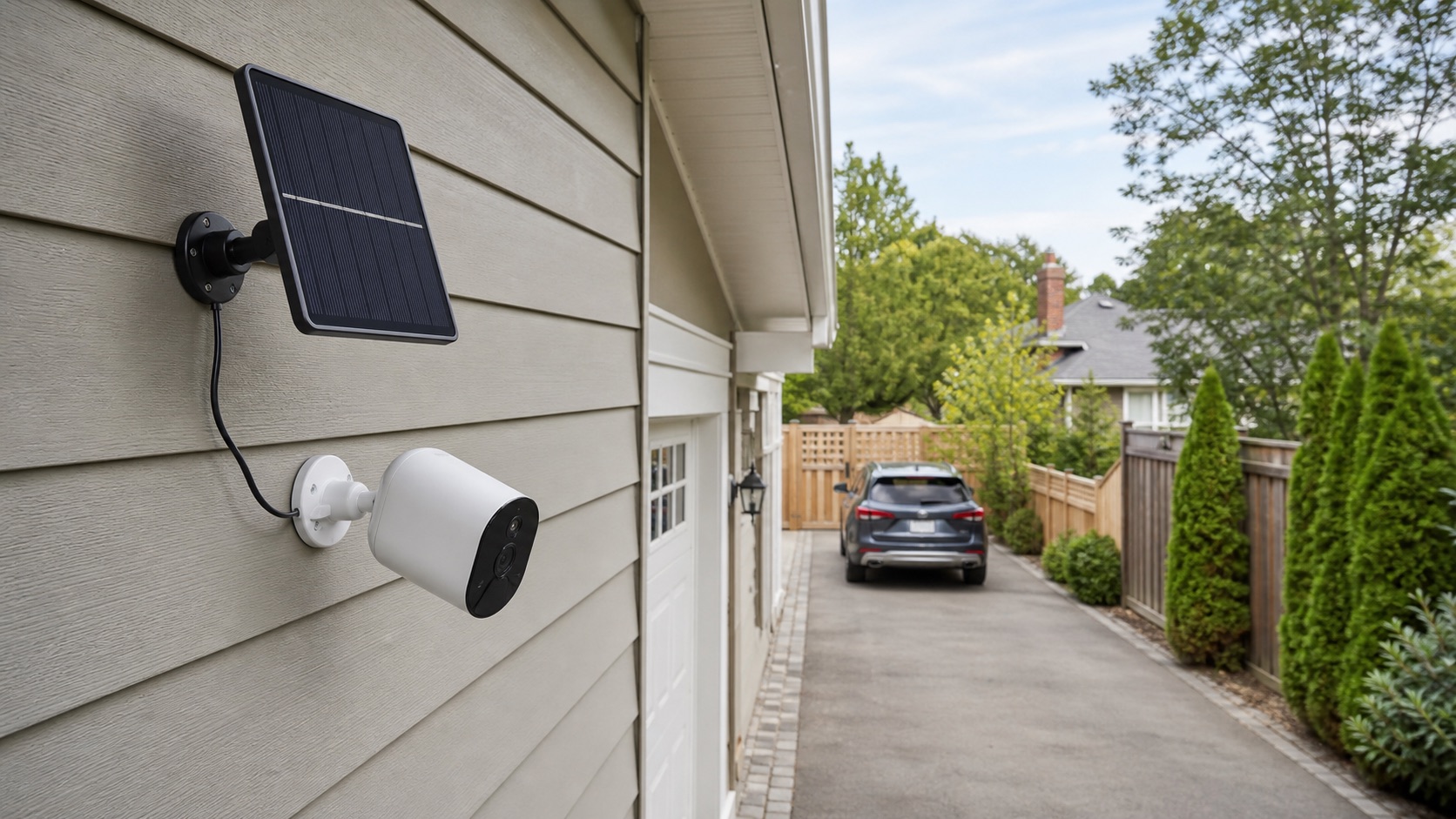
A carrier logo on the box is not proof that the camera will work at the gate. Test signal at the exact mounting height and location, not only beside the house. Trees, terrain, metal buildings, seasonal foliage, and the camera's supported LTE bands can change the result. If possible, confirm the camera during its return window before drilling permanent holes.
For one or two low-traffic cameras, individual cellular plans can be simple. For several cameras or heavy live viewing, a cellular router with a suitable external antenna and a local Wi-Fi or PoE system may be easier to manage than paying for and maintaining a separate SIM in every camera. If the site can support wired power and networking, our Reolink NVR comparison explains the more durable recording path.
Solar claims need a site-specific power budget
Solar charging is a balance, not a magic power source. The camera spends energy on wake-ups, night illumination, pan-and-tilt movement, live viewing, weak-signal transmission, and uploads. The panel recovers energy only when placement, weather, and season cooperate. A specification based on a few short events per day can be accurate under its assumptions and still fail at a busy gate.
Before installation, check winter sun rather than summer sun, keep the panel clear of eaves and branches, reduce road or tree motion inside the detection zone, and inspect battery level after several cloudy days. For a simpler location-specific checklist, see our solar driveway camera guide.
Plan storage and data as separate costs
A camera can avoid a paid cloud plan and still have a recurring cellular bill. Local microSD or base-station storage controls where event clips are saved; the data plan controls whether alerts, remote playback, and live video can travel off the property. Continuous recording also increases local storage demand even when the video is not constantly uploaded.
On-camera microSD is simple but can disappear with a stolen camera. A protected local base or NVR is harder to remove, while optional cloud or FTP storage can preserve off-site evidence. Our local-storage security-camera guide compares those architectures.
Where HIKMICRO M15 fits
HIKMICRO M15 is a credible regional alternative for woodland, field edges, and farm boundaries where a cellular trail camera is more useful than a pan-and-tilt security camera. HIKMICRO lists 4G photo and video transmission, up to 10 MP stills, 1080p clips with audio, a 0.5-second trigger, an 82-foot detection range, IP66 protection, and local memory-card recording.
We did not make it a primary US pick because HIKMICRO's current public material does not establish the same straightforward US purchase and data-plan path as the US Reolink and eufy products above. It is also designed around motion-triggered wildlife-style capture rather than a conventional security-camera live-view workflow. UK and European buyers should verify the exact regional plan and retailer listing before buying.
Who should buy—and who should skip—a battery cellular camera
Buy one for
A cabin, farm gate, equipment yard, stable, detached building, seasonal property, or construction area with usable LTE and no practical wired network.
Skip one for
A high-traffic perimeter that needs full-frame-rate 24/7 evidence, several synchronized views, long retention, or reliable operation without cellular coverage.
When security consequences are high, cameras should supplement physical measures rather than replace them. Locks, lighting, gates, alarm contacts, protected recorders, and a response plan determine whether a notification becomes useful action.
Frequently asked questions
What is the best security camera for a remote property?
Reolink Go PT Ultra is the most balanced choice for a remote property with usable cellular service but no Wi-Fi or outlet. It combines 4G LTE, battery or solar power, pan and tilt, local microSD recording, and person, vehicle, and animal detection. It is motion-first rather than a full-time recorder.
Can a remote property camera work without Wi-Fi?
Yes. A 4G LTE camera can provide remote alerts and live access without Wi-Fi when compatible cellular coverage and a data plan are available. A local-only camera can record to a memory card without internet, but it normally cannot deliver remote alerts or live viewing.
Do cellular security cameras need a monthly fee?
Cellular cameras need an active mobile data plan even when local recording means no cloud-storage subscription is required. Data-plan cost, supported carriers, and included data vary by camera and region.
Can a solar cellular camera record continuously?
Most battery and solar cellular cameras prioritize motion-triggered clips. Reolink TrackMix LTE Plus 2 supports a low-frame-rate continuous mode, but Reolink's estimate of up to 21 days per charge uses 3 fps by default and depends on solar exposure, activity, settings, temperature, and signal strength.
What if the remote property has no cellular signal?
Without usable Wi-Fi, wired internet, or cellular service, a camera can only record locally for later retrieval. For remote alerts or live video, the property needs another connection such as fixed broadband, a cellular router with an external antenna, or satellite internet.
- Reolink specifications: Go PT Ultra, Go PT Ultra support specifications, TrackMix LTE Plus 2, and TrackMix LTE Plus recording modes.
- eufy specifications and current connectivity notes: 4G LTE Cam S330.
- AOSU outage and storage behavior: SolarCam D1 Classic Kit.
- HIKMICRO regional trail-camera specifications: M15 data sheet.
Specifications, carrier support, included SIMs, plans, firmware behavior, and regional availability can change. Confirm the exact hardware and service at the installation address before buying.
 Reolink Camera Review
 Security Cameras with Local Storage