Choose RLN8-410 for most new Reolink systems that will stay at eight or fewer powered cameras. Choose RLN16-410 when you expect to exceed eight powered cameras and still want every cable to terminate at the recorder. Choose RLN36 when you already have, or deliberately want, external PoE switches and need its three-drive storage ceiling. Choose RLN12W only when direct dual-band Wi-Fi 6 from the recorder is a real installation advantage.
The model number does not tell the whole story. On current US hardware, RLN8-410 has eight PoE ports but supports up to 12 cameras under Reolink's published camera-type limits. RLN16-410 has 16 PoE ports but supports up to 24. RLN36 supports 36 cameras yet supplies no PoE power, and RLN12W connects up to 16 cameras but has the smallest storage ceiling here.
Comparison basis: Research-led; not hands-on. We checked Reolink's current US product and support pages on September 5, 2026. Official specifications establish ports, storage, hardware versions, and compatibility conditions. Recent community discussions were used only to identify recurring buyer questions; they do not prove reliability or performance. See our evidence standards.
Verdict at a glance
Buy the network layout, not the largest channel number. RLN8-410 and RLN16-410 charge a simplicity premium because their PoE ports power cameras directly. RLN36 is the more flexible storage platform, but its recorder price excludes drives and PoE hardware. RLN12W is useful when its direct wireless network fixes a specific cable problem; it is not the best general-purpose NVR because storage stops at one 8TB drive.
Who should buy a Reolink NVR?
Buy an NVR
You want centralized local storage, several powered cameras, 24/7 recording, a monitor output, or more capacity than camera microSD cards provide.
Skip an NVR for now
You have one or two cameras, event clips are enough, and losing storage with a stolen camera is an acceptable risk.
Compare a Home Hub
Your system is smaller and battery-camera management, compact installation, and smart-home use matter more than PoE ports or maximum storage.
Choose another recorder platform
You need a cross-brand ONVIF recorder. Reolink describes these NVRs as designed for Reolink cameras rather than general third-party inputs.
RLN8-410 vs RLN16-410 vs RLN36 vs RLN12W
| Decision point | RLN8-410 | RLN16-410 | RLN36 | RLN12W |
|---|---|---|---|---|
| Current hardware checked | N7MB01 | N6MB01 / NVR_NNT4NA716P | N5MB01 | NVR_NNT3NA58W_E / _U |
| Published maximum cameras | Up to 12 on current hardware | Up to 24 on current hardware | Up to 36 | Up to 16 |
| Integrated PoE ports | 8 | 16 | None | None |
| Other camera connection | Compatible cameras through the local network | Compatible cameras through the local network | Four non-PoE gigabit camera-network ports for cameras or switches | Built-in 2.4/5 GHz Wi-Fi 6 plus four non-PoE camera Ethernet ports |
| Drive in current US information | 2TB | 4TB | None | 2TB |
| Current storage path | One internal drive plus one powered eSATA drive | Two internal drives | Three internal drives | One replaceable internal drive |
| Current maximum storage | 16TB total | 16TB total | 48TB total | 8TB total |
| Selected battery cameras | Supported with current listed hardware and required firmware | Supported with current listed hardware and required firmware | Supported from specified firmware on current hardware | Supported from firmware 3.5 on current hardware |
| Best fit | Up to eight powered cameras with simple direct PoE | More than eight powered cameras with direct PoE | External-switch systems and high storage needs | Direct recorder Wi-Fi is the deciding requirement |
| Cost easy to miss | Powered eSATA enclosure and extra drive for expansion | Second surveillance drive | All drives plus PoE switches or injectors | Replacing the included drive to exceed 2TB |
These are current-hardware figures, not promises for every recorder with the same model name. Older RLN8-410 and RLN16-410 revisions can have lower resolution support, smaller per-drive limits, different eSATA availability, and no battery-camera support. Check the recorder's System Information page before buying a used unit or expanding an existing system.
The real decision is topology, not channel count
A channel is a video input the recorder can manage. A PoE port is a physical Ethernet connection that also supplies camera power. Current RLN8-410 and RLN16-410 hardware can manage more total cameras than their PoE-port counts because compatible plug-in Wi-Fi and selected battery cameras can reach the recorder through the network.
That distinction changes installation. Direct NVR PoE keeps wiring and power in one box, which is simple to understand and troubleshoot. An external-switch design lets camera cables terminate closer to each area and allows the recorder to sit in a more discreet location, but it adds switches, power budgets, network configuration, and more components that can fail.
Our conclusion follows from that tradeoff: integrated PoE is better when simplicity is the goal; external PoE is better when cable geography, recorder placement, or storage expansion justifies the added design work.
Which Reolink NVR fits your system?
RLN8-410: best default for up to eight powered cameras
Choose it for a house or small property where eight PoE or plug-in Wi-Fi cameras are a realistic ceiling.
The current N7MB01 version provides eight PoE ports, a 2TB drive in Reolink's current US comparison, and a published maximum of 12 cameras under its camera-type limits. Storage can reach 16TB by using one internal drive and one externally powered eSATA drive.
Skip it if the plan already includes nine or more powered cameras. The extra published channels are not additional PoE ports, and selected battery-camera capacity should not be used to pretend an eight-port recorder is a 12-port PoE model.
Check the current RLN8-410 specifications, or check the current RLN8-410 Amazon listing.
RLN16-410: best one-box PoE choice for expansion
Choose it when a system may exceed eight powered cameras and you still want direct PoE ports on the recorder.
The current N6MB01 generation has 16 PoE ports and supports up to 24 cameras under Reolink's current camera-type limits. Reolink's current comparison lists a 4TB drive, and the chassis accepts two internal drives up to 16TB total.
Skip it if eight powered cameras are enough or if you already plan to use distributed PoE switches. It does not offer a higher current total storage ceiling than RLN8-410, so the main reason to pay more is the larger bank of integrated PoE ports and the cleaner internal two-drive arrangement.
RLN36: best storage and external-switch platform
Choose it when you understand the network design and want up to three internal drives rather than built-in PoE.
RLN36 supports up to 36 cameras and three internal 16TB drives for 48TB total. Its four camera-network Ethernet ports are gigabit but not PoE. The current official package includes no hard drive, so every drive and every PoE switch or injector belongs in the real system budget.
Skip it when you want a recorder that works as a complete PoE wiring center out of the box. The low recorder price can be misleading if you still need a surveillance drive and one or more appropriately sized PoE switches.
RLN12W: best only when direct recorder Wi-Fi matters
Choose it when its built-in dual-band Wi-Fi 6 network solves a real placement or router-coverage problem.
RLN12W connects up to 16 cameras, includes a 2TB internal drive, and supports up to 8TB by replacing that drive. It also has four non-PoE Ethernet ports for cameras, but it does not power PoE models. Compatible plug-in Wi-Fi, selected battery Wi-Fi, and PoE cameras can be used when their power and network paths are provided.
Skip it if PoE is the main camera type or if longer retention may require more than 8TB. A PoE recorder is simpler for wired cameras, while RLN36 offers a much larger storage path.
Direct Reolink NVR matchups
RLN8-410 vs RLN16-410
Choose RLN8-410 if eight powered cameras are enough; choose RLN16-410 if they are not. Both current versions reach 16TB total storage, so the practical upgrade is 16 integrated PoE ports, two internal drive positions, a larger included drive in the current comparison, and more supported cameras—not a larger storage ceiling.
RLN16-410 vs RLN36
Choose RLN16-410 for one-box PoE simplicity and RLN36 for deliberate external-switch design. RLN36 has far more storage capacity, more channels, gigabit camera-network ports, and no included drive or PoE power. RLN16-410 is the cleaner package when camera cables can terminate at the recorder.
RLN12W vs RLN8-410
Choose RLN12W for its direct Wi-Fi network; choose RLN8-410 for integrated PoE and a larger expansion path. Both current packages start with 2TB, but RLN12W tops out at one 8TB drive while the current RLN8-410 can reach 16TB through its internal and eSATA paths.
Storage and total system cost
Do not compare recorder prices without normalizing the package. RLN8-410, RLN16-410, and RLN12W currently begin with a drive, while RLN36 does not. RLN36 also needs external PoE power for PoE cameras. RLN8-410 expansion through eSATA needs an externally powered enclosure; USB storage is not a substitute for that eSATA path.
| Model | Expansion decision | Practical consequence |
|---|---|---|
| RLN8-410 | Replace the internal drive or add powered eSATA storage | Simple chassis, but external expansion adds a separate enclosure and power supply |
| RLN16-410 | Add or replace internal drives | Cleaner two-drive installation, with 16TB total on current hardware |
| RLN36 | Buy up to three internal drives | Highest capacity, but the recorder starts diskless |
| RLN12W | Replace the included drive | No second-drive path; expansion discards or repurposes the original drive |
Recording retention depends on camera count, resolution, bitrate, frame rate, codec, continuous versus event recording, and overwrite settings. A generic “days per terabyte” promise is therefore weak buying advice. Estimate the actual system, then choose a surveillance- or enterprise-grade drive within the specific recorder's supported capacity.
Battery cameras and hardware versions
Model name alone is not enough to confirm compatibility. Reolink's current hardware guide lists different camera, resolution, storage, interface, and battery-camera capabilities for older RLN8-410 and RLN16-410 revisions. The current N7MB01 and N6MB01 generations support selected battery cameras after the required firmware updates, as do current RLN36 and RLN12W versions under their published conditions.
“Supports battery cameras” also does not mean every battery camera records continuously. Reolink limits continuous battery recording to camera models that support that feature. Confirm the camera model, camera hardware, NVR hardware, and both firmware versions before purchase.
Dual-lens cameras can also change channel planning. Reolink notes that some dual-lens models consume two video channels, so a camera count based only on physical housings can be wrong.
Reolink Home Hub vs NVR
Choose a Home Hub for a smaller, battery-heavy system; choose an NVR for a larger powered-camera system or longer retention. Reolink positions Home Hub products toward simpler home and small-business installations and NVRs toward larger deployments and more storage. Current Home Hub compatibility still varies by camera hardware and firmware, so the same version check applies.
If you have not chosen the cameras yet, start with our Reolink camera and recording-system guide. It separates battery, plug-in Wi-Fi, PoE, doorbell, and dual-lens use cases before sending NVR buyers back here.
Third-party cameras and software
There are two different compatibility questions. Reolink says its NVRs are designed for Reolink cameras, so do not assume a generic ONVIF camera will work as a full-featured recorder input. Separately, Reolink states that its NVRs can provide CGI, RTSP, and ONVIF access for connected camera feeds. That can help third-party viewing or management software, but it does not guarantee every camera feature, detection type, audio function, or setting will transfer.
If mixed-brand camera input is mandatory, choose a recorder platform that explicitly lists and supports the intended third-party cameras. Do not build the system around a compatibility workaround.
What to plan before setup
- Count powered cameras, supported battery cameras, and dual-lens channel use separately.
- Decide whether camera cables terminate at the recorder or at distributed PoE switches.
- Budget PoE wattage, switches, surveillance drives, display cable, and battery backup.
- Place the recorder where it can be serviced but is not easy to remove with a camera.
- Verify live view, recording, playback, timestamps, alerts, and outage behavior during the return window.
Once the model and network layout are chosen, use our Reolink NVR setup guide for initialization, camera addition, phone and PC access, resets, and troubleshooting.
Frequently asked questions
Which Reolink NVR should I buy?
Choose RLN8-410 for a straightforward system with no more than eight powered cameras, RLN16-410 when you may need more integrated PoE ports, RLN36 when you already use or deliberately want external PoE switches and much more storage, or RLN12W when a direct Wi-Fi 6 connection to the recorder is the main requirement.
What is the difference between RLN8-410 and RLN16-410?
Current RLN8-410 hardware has eight PoE ports, a 2TB drive in the current US comparison, and storage expansion through one internal drive plus eSATA. Current RLN16-410 hardware has 16 PoE ports, a 4TB drive in that comparison, and two internal drive bays. Their current published total storage ceiling is the same at 16TB.
Does the Reolink RLN36 have PoE ports?
No. RLN36 has four non-PoE gigabit camera-network ports. PoE cameras need compatible external PoE switches or injectors, and those power components are separate from the recorder.
Do Reolink NVRs include a hard drive?
The current US comparison lists RLN8-410 with 2TB and RLN16-410 with 4TB, while the current RLN12W page lists a 2TB drive. RLN36 is sold without a drive on its current official page. Bundle contents can change, so verify the exact listing.
Can Reolink battery cameras work with an NVR?
Selected battery-powered Reolink cameras can work with current supported NVR hardware after the required camera and recorder firmware updates. This is not universal compatibility, and continuous recording is available only for battery models that support it.
Can Reolink Wi-Fi cameras record to an NVR?
Compatible plug-in Reolink Wi-Fi cameras can record to a Reolink NVR over the local network. RLN12W also provides its own dual-band Wi-Fi 6 connection, while the other models can receive compatible Wi-Fi-camera streams through the router or network.
Can I use third-party cameras with a Reolink NVR?
Do not buy a Reolink NVR expecting broad third-party-camera support. Reolink describes its NVRs as designed for Reolink cameras. CGI, RTSP, and ONVIF access for connected Reolink feeds is a separate capability and does not promise that third-party cameras will work as recorder inputs.
- Current model pages checked September 5, 2026: RLN8-410, RLN16-410, RLN36, and RLN12W.
- Version and camera support: Reolink's NVR hardware-version guide and NVR and Home Hub compatibility guide.
- Storage: Reolink's drive-count and capacity table and supported-drive guidance.
- Protocols and ecosystem limits: Reolink's CGI, RTSP, and ONVIF guide and Home Hub versus NVR guide.
- Camera-count planning: Reolink's NVR camera-count guide.
Specifications, included drives, bundles, firmware behavior, and compatibility can change. Confirm the exact US listing and hardware version before buying.
Final recommendation
Start with RLN8-410 unless the camera plan proves it is too small. Move to RLN16-410 for more integrated PoE ports, RLN36 for external-switch flexibility and substantially more storage, or RLN12W for a deliberate direct-Wi-Fi design. Buying extra channels without designing power, cabling, and retention first does not make the system more future-proof.
Continue your Reolink system plan
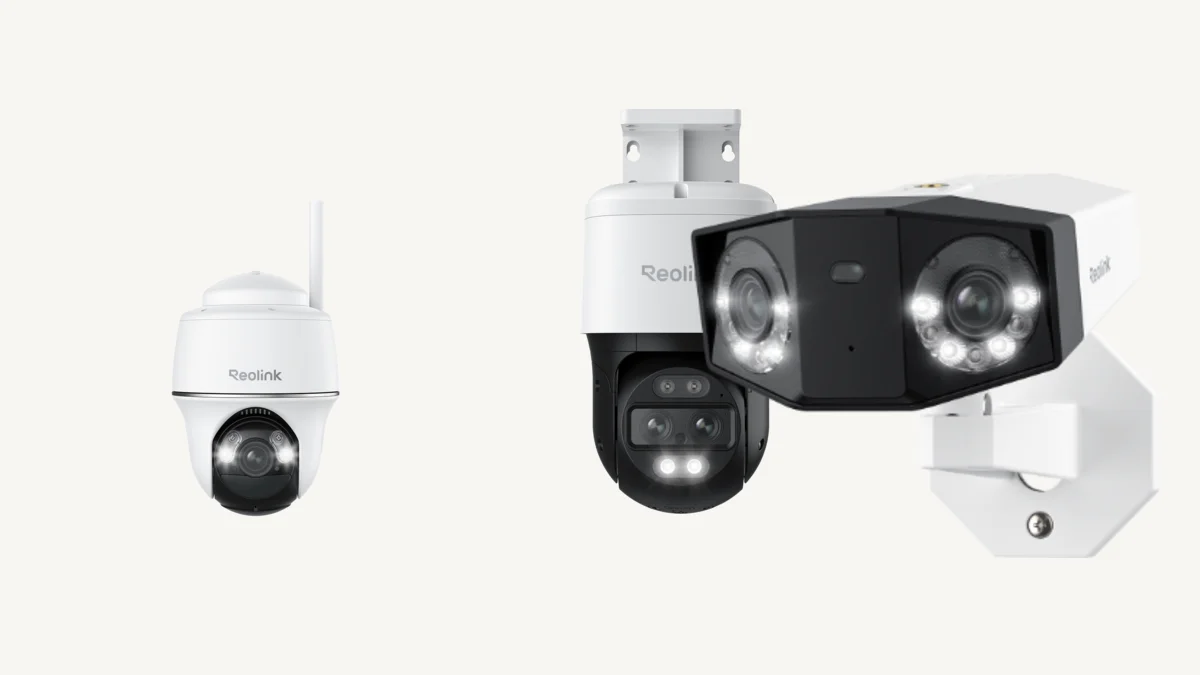 Reolink Camera ReviewChoose cameras by location, power, recording mode, and storage architecture.
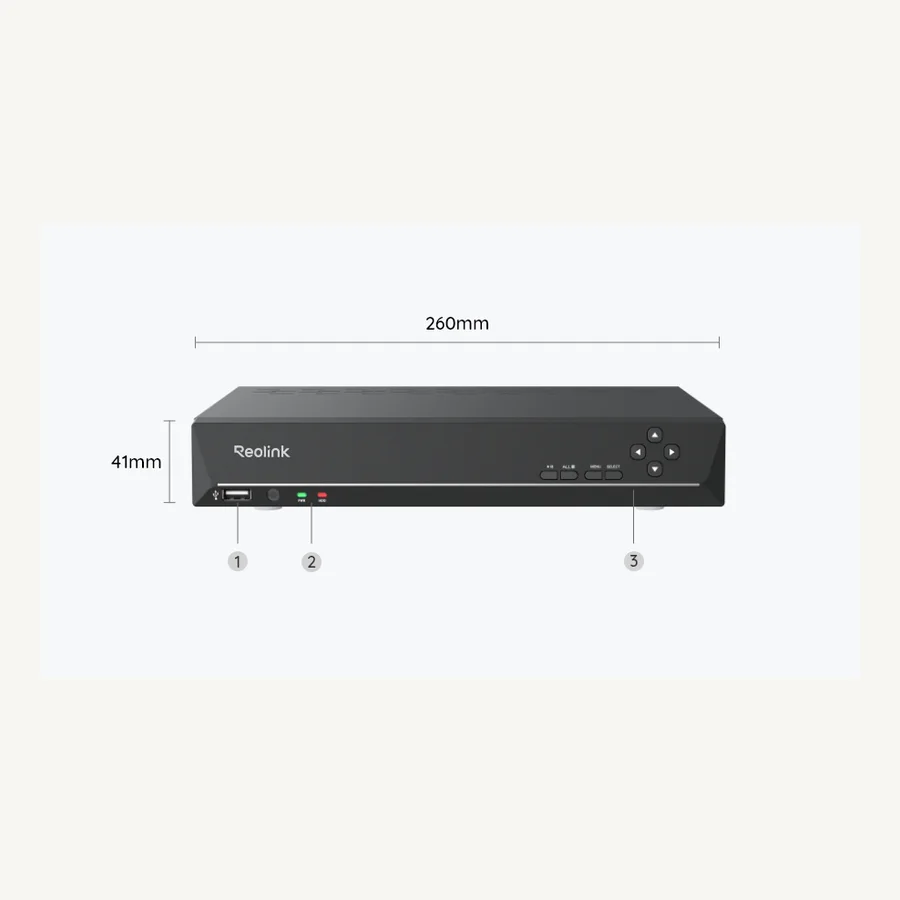 Set Up a Reolink NVRInitialize the recorder, add cameras, connect phones and PCs, and verify recording.
 Local Storage Security CamerasCompare microSD, hub, NVR, and other no-monthly-fee recording paths.