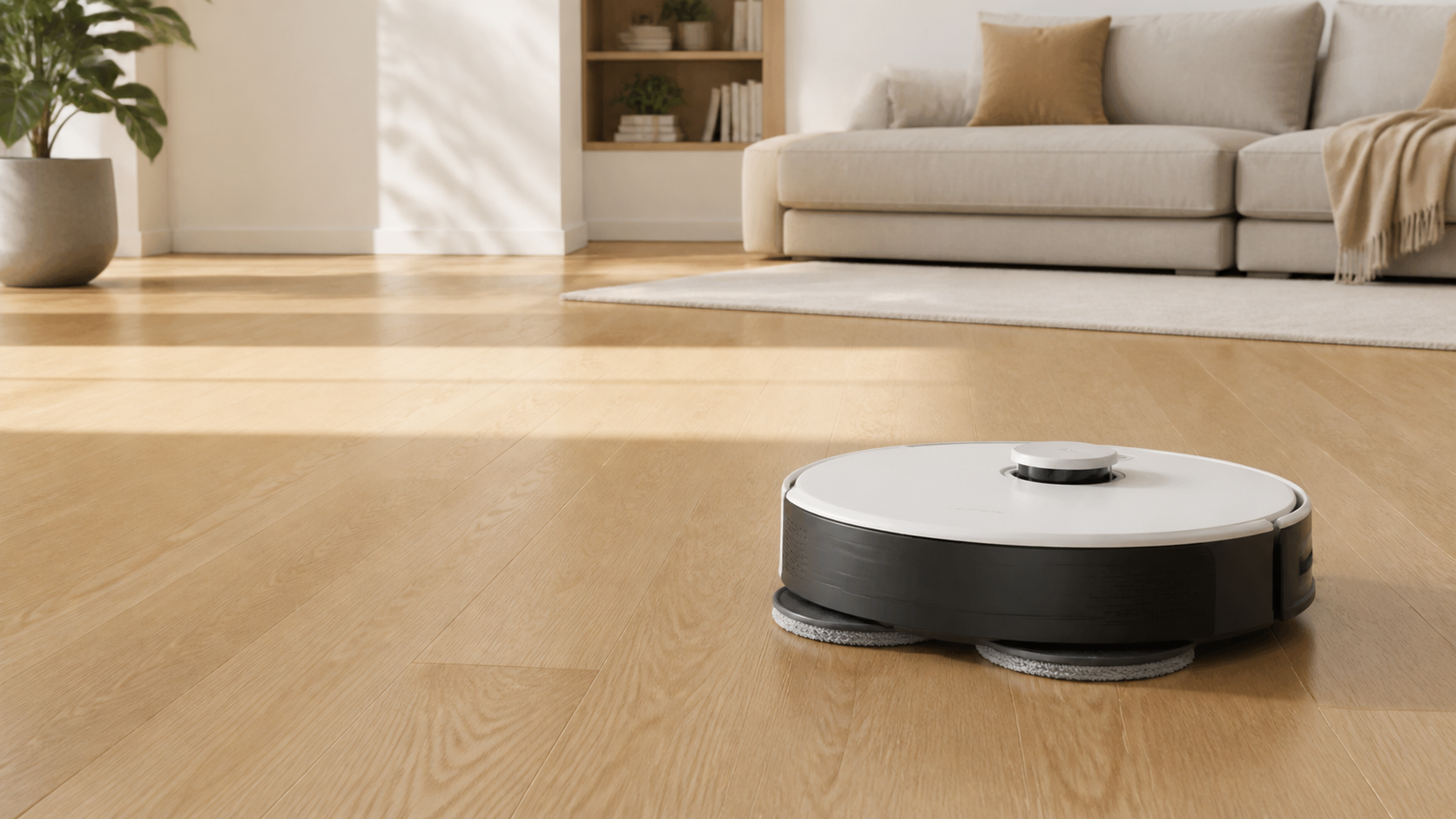
Quick answer: Empty the bin, remove hair from the brush and wheels, wash only components the manual says are washable, and let them dry completely. Wipe external sensors and charging contacts with a soft dry cloth. Do not spray liquid on the robot or assume one Roborock’s cleaning routine applies to every other model.
Before you clean
- Read the model name on the robot, app, or box and identify the dock: charging only, auto-empty, or multifunction wash-and-refill.
- Pause the robot and remove it from the dock. Disconnect power before cleaning a dock’s interior if its manual requires it.
- Use only the included cleaning tool, a soft dry lint-free cloth, and clean water for parts the manual identifies as washable.
- Keep a spare filter available if the manual requires a long air-dry period.
A practical maintenance rhythm
| Part | Check | Safe default |
|---|---|---|
| Onboard dustbin | After dusty runs | Empty it; rinse only if the exact bin and filter instructions allow it. |
| Main and side brushes | Weekly in hair-heavy homes | Remove tangled hair and clean the brush ends and cover. |
| Cliff, wall, and dock-locator sensors | About monthly or after an error | Wipe with a soft dry cloth. |
| Charging contacts | When charging is unreliable | Wipe the robot and dock contacts with a soft dry cloth. |
| Mop pad and water system | After each mopping run | Wash the pad, empty unused water where the manual directs, and air dry. |
| Dock bag, tray, and tanks | As prompted or visibly dirty | Follow the dock-specific manual; a self-cleaning dock still needs care. |
Clean Roborock sensors and charging contacts
Turn the robot over only on a protected surface. Look for the model’s cliff sensors, wall sensor, dock locator, and any visible navigation windows. Roborock’s Q7 manual calls for a soft dry cloth on its robot sensors and charging contacts. Do the same for the matching contacts on the dock.
- Do not use a wet wipe, alcohol, disinfectant, abrasive pad, or compressed liquid near sensor windows.
- Do not press a sensor window inward or dig into a seam with a sharp tool.
- If a sensor still reports an error after a dry wipe, restart the robot and consult the exact troubleshooting article before disassembling anything.
Clean the dustbin and filter
First empty the onboard dustbin into a trash bag. A washable filter is not the same as every Roborock filter: check the exact manual before rinsing it. For a manual that explicitly allows washing, rinse and tap it gently to remove debris, then leave both the bin and filter completely dry before reassembly. Never reinstall a damp filter; it can restrict airflow and create odor or damage.
Do not scrub a filter with a brush or finger unless the manual specifically tells you to. A dock filter can also be fixed in place; Roborock’s support guidance for some auto-empty docks says to use a dry cloth or a separate vacuum rather than removing it.
Remove hair from the brushes and wheel
Release the main-brush cover, take out the roller if your model permits it, and remove wrapped hair from the roller, end caps, side brush, and wheel. Reinstall each piece fully. A loose brush cover can reduce pickup and may stop compatible auto-emptying systems from working properly.
Do not wash electrical contacts or soak a motorized brush assembly. If the brush is warped, cracked, or its bristles will not spring back, replace it rather than trying to reshape it with heat.
Wash the mop pad and maintain the water system
Remove a detachable pad after mopping, wash it, and air dry it. For basic water-tank models, empty unused water when the manual advises it to prevent odor. For a washing dock, also inspect the dirty-water tank and removable tray; automation does not mean those parts never need manual cleaning.
Do not add general household cleaner or disinfectant to a standard water tank. Foam can block the outlet, and some models have their own solution cartridge rules. See our Roborock mopping guide for the model split.
Clean an auto-empty or multifunction dock
Keep the dock’s air path, dust inlet, and robot contacts free of hair and loose debris. Replace a full compatible dust bag rather than attempting to empty and reuse a sealed disposable bag. Wash water tanks and the removable tray only as the dock manual specifies, then dry the outside before reinstalling. For the bag workflow, see how to replace a Roborock dust bag.
Four mistakes to avoid
- Using a wet or chemical-soaked cloth on sensors or contacts.
- Reinstalling a washable filter before it is fully dry.
- Assuming every filter, dock, tank, and mop is interchangeable across model families.
- Cleaning around a fault without checking for trapped hair in the brush cover, wheel, dust inlet, or dock air duct.
Frequently asked questions
How do I clean Roborock sensors?
Turn the robot off or remove it from its dock, then wipe its model-specific cliff, wall, dock-locator, and other external sensors with a soft dry cloth. Do not spray cleaner or water directly onto the robot.
Can I wash a Roborock filter?
Only wash a filter if the exact manual calls it washable. Rinse it as instructed, allow it to dry completely, and use a spare before reinstalling. Do not put a wet filter back into the robot.
How often should I clean a Roborock mop pad?
Wash a removable mop pad after each use or whenever it is visibly soiled, then air dry it. Models with a washing dock still need periodic tray and tank maintenance.
Can I use disinfectant to clean a Roborock?
Do not use disinfectant or corrosive fluids on the robot or add them to a water tank unless the exact model manual explicitly permits a compatible product. A soft dry cloth is the normal method for external sensors and charging contacts.