TestedHarbor
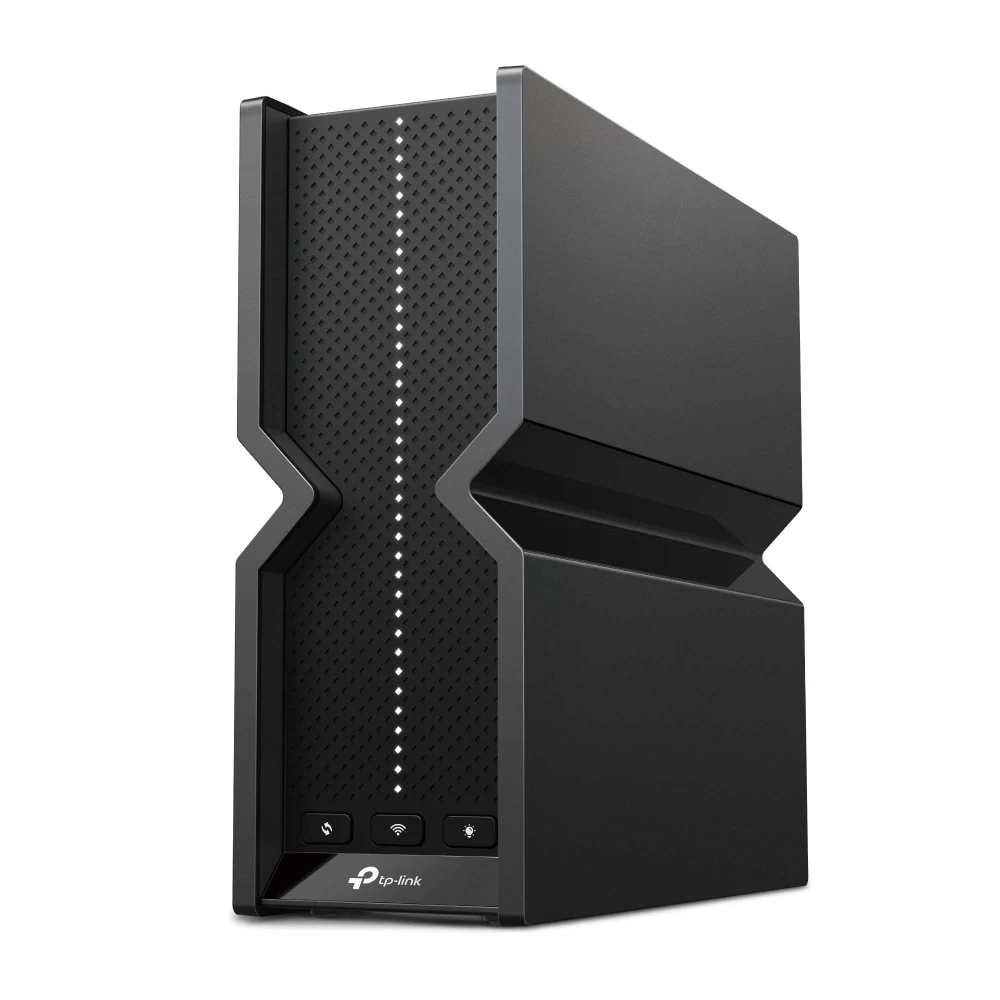
Black TP-Link Archer BE550 standalone router
Archer BE550
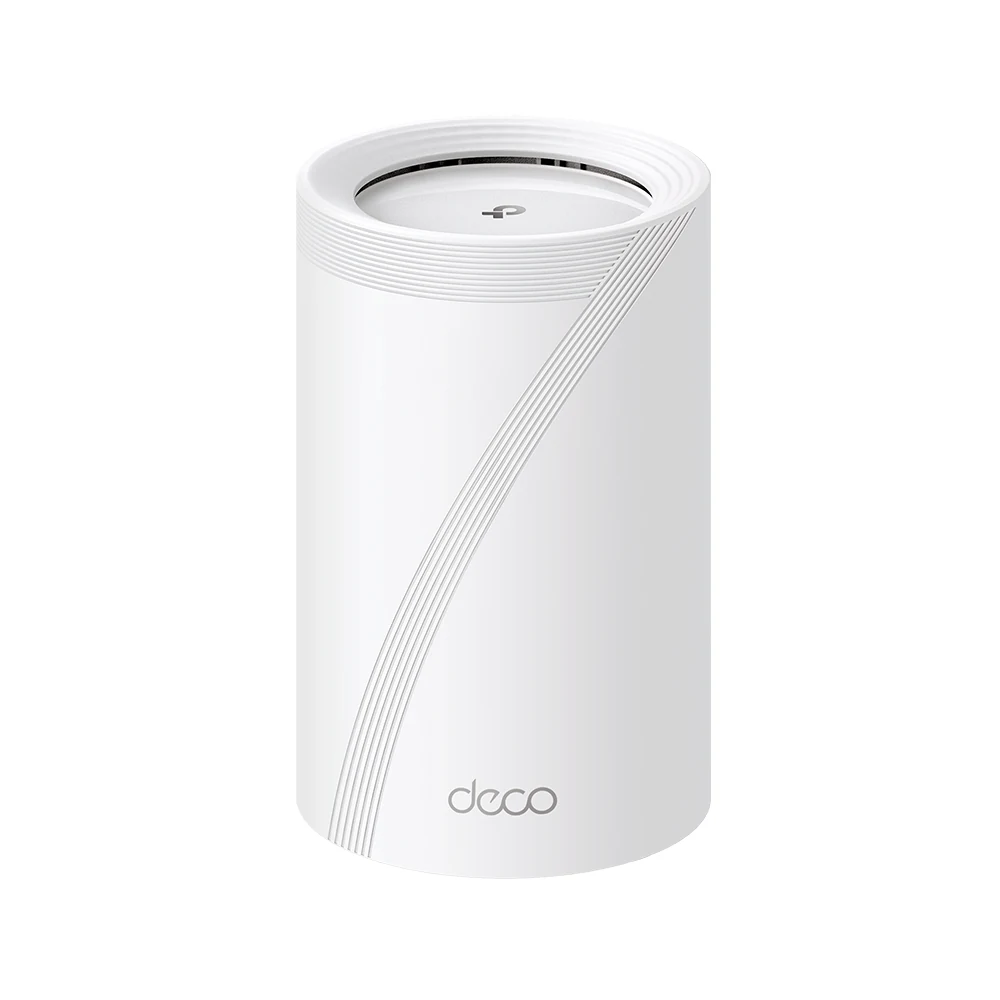
One white TP-Link Deco BE68 mesh unit
Deco BE68

Archer BE550 / Deco BE68

TP-Link Wi-Fi 7for UK homes.

Upstairs Wi-Fi or a better-connected desk? Choose a central router or a Deco mesh setup for your home.

One central router, or more placement points across your home.

Advertisement / affiliate links. We may earn a commission at no extra cost to you. Independent selection by TestedHarbor, not TP-Link. About our links.

Find your setup

What would you like to improve?

One good router position, or more places to connect? Start here.

For a central router and wired devices

TP-Link Archer BE550 Wi-Fi 7 router

Archer BE550

Build around one well-placed router, with room for a wired desktop, TV and NAS.

  • Connect your desk by cable. Four 2.5Gbps LAN ports for compatible wired equipment.
  • Make space for newer devices. Tri-band Wi-Fi 7 includes 6GHz for compatible clients.
  • Keep management close at hand. Use the Tether app or a web browser.
Check BE550 price on Amazon UK

Best fit when one central position can reach your rooms. Not a DSL or cable modem.

For more rooms and multiple floors

TP-Link Deco BE68 mesh unit; product image does not specify the retailer pack size

Deco BE68

Bring a Wi-Fi point closer to the upstairs office or the far end of the house.

  • Add useful placement points. Multiple Deco units create a mesh around your layout.
  • Use the cable route if you have it. Ethernet backhaul reduces reliance on wireless links through walls.
  • Plan for a faster local network. Each unit includes 10Gbps, 2.5Gbps and Gigabit ports.
Check BE68 price on Amazon UK

One unit is pictured to show the product, not the bundle. Confirm the selected pack size on Amazon.

Already have a working Wi-Fi 6 setup? Wi-Fi 7 is most worth comparing when newer compatible devices or faster wired equipment are part of your upgrade. Better node placement matters more than a new Wi-Fi number when coverage is the problem.

The rooms you actually use

Your Wi-Fi should fit more than the hallway.

Think about one ordinary evening: a call upstairs, the TV downstairs and files moving at your desk. Choose where the connection needs to be, then choose the hardware.

Bring a connection point closer

Deco gives you more than one place to put Wi-Fi. Position a node on the route to the upstairs office, where it can still get a good link to the rest of the mesh.

Save wireless for the devices that move

Connect a compatible desktop, NAS or TV to BE550's wired ports. A practical choice when your main workspace is near the router.

Make the most of existing cabling

For brick, stone or awkward floor layouts, Ethernet between Deco nodes can be more useful than asking a wireless link to do all the work.

A few checks before you buy

Choose with confidence.

Need more detail? Read our Deco BE68 review or UK router buying guide.

Can I use it with BT, Sky or Virgin Media?

Check your exact service and hub before replacing ISP equipment. Keeping the hub and using access-point mode may be an option; voice services and provider authentication can need the original equipment or specific settings. These products do not contain a DSL or cable modem.

Will Wi-Fi 7 help my existing devices?

Older Wi-Fi devices can connect, but they do not gain Wi-Fi 7 features simply by changing the router. 6GHz, MLO and other newer features require compatible clients and software. An upgrade is more compelling when you can name the connection or hardware limit it addresses.

How many Deco units should I buy?

Choose by layout and placement, not bedrooms or floor area alone. Multiple floors or a long layout may benefit from additional well-positioned nodes. A single Deco unit does not provide multiple placement points. Confirm the exact pack in the linked Amazon offer; the picture shows one unit for product identification only.

Does 10Gbps mean faster broadband everywhere?

No. It is a port rate, not a guaranteed internet speed. Your broadband plan, cables, devices, placement and network links set the practical limit. BE550's 2.5Gbps ports and BE68's multi-gigabit ports are useful with suitable equipment, not a reason to expect your ISP plan to become faster.

Can Archer BE550 join a Deco mesh?

Not as another Deco node. BE550 uses EasyMesh; BE68 is part of the Deco family. They can be connected in a suitable wired network, but should not be assumed to form one unified mesh.

Are there subscriptions or other buying checks?

Basic HomeShield features are included; advanced plans may cost extra. On Amazon UK, confirm the model, UK hardware and power supply, pack size, seller, condition, delivery, returns and warranty. Prices and availability can change.
Choose your next connection

A central router, or more rooms in reach?

Pick the setup that fits your home, then check the current Amazon UK offer.

First published: .

Research-led selection, not a hands-on TestedHarbor test. Manufacturer product images. Features and port rates are published specifications, not measured coverage or speed results.